

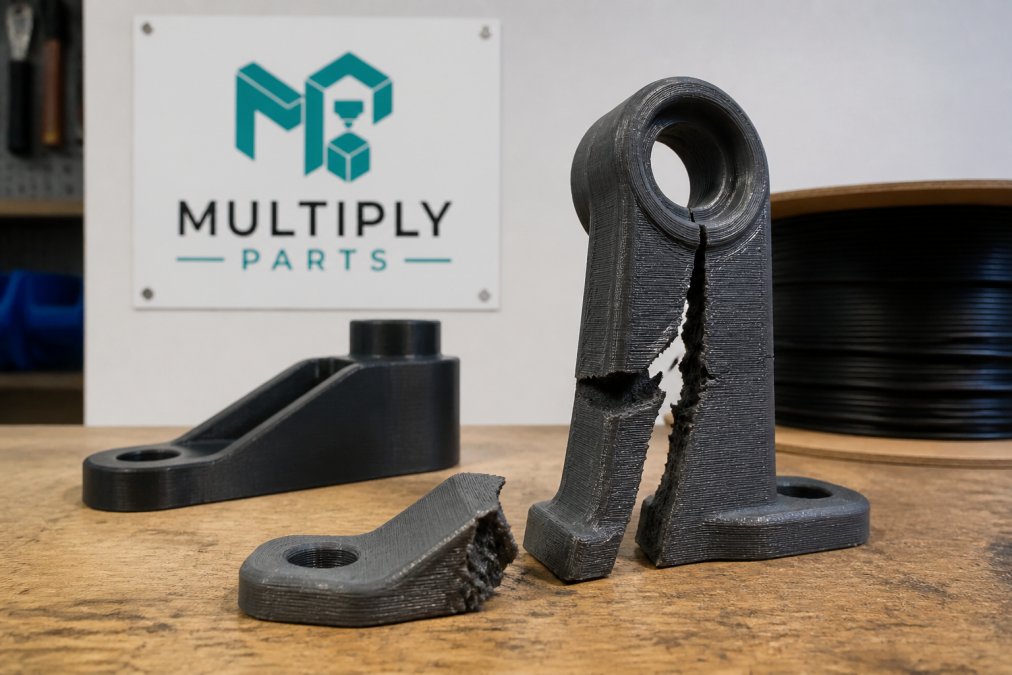
Why 3D Printed Parts Fail Under High Heat: Fix Guide
Table of Contents
- Why 3D Printed Parts Failing Under High Heat Happens
- Heat Resistant 3D Printing Materials for High-Temp Applications
- How to Anneal 3D Prints for Better Heat Resistance
- Frequently Asked Questions
Last Updated: September 19, 2026
Why 3D Printed Parts Failing Under High Heat Happens
If your part softens, sags, or warps in a hot car or near a motor, the heat pushed the plastic past its glass transition temperature. The polymer chains loosen and the part loses its shape. This guide explains why 3d printed parts failing under high heat occurs and how to stop it.
| Material | Glass Transition Temp | Safe Use Temp | Best For |
|---|---|---|---|
| PLA | About 60°C | Under 50°C | Models, display pieces |
| PETG | About 80°C | Under 70°C | General parts, mild heat |
| ABS | About 105°C | Under 90°C | Car parts, enclosures |
| ASA | About 100°C | Under 90°C | Outdoor, UV exposure |
| Polycarbonate | About 145°C | Under 120°C | High-heat, load-bearing |
| Nylon | About 70°C dry | Under 100°C annealed | Gears, brackets |
The second cause is print quality. Weak layer bonding means the part fails sooner under heat. Poor cooling, wet filament, and low nozzle temperature all weaken the bond between layers.
Heat resistance comes from two things: picking a filament with a high glass transition temperature and printing it so the layers bond fully. Skip either one and the part fails.
Heat Resistant 3D Printing Materials for High-Temp Applications
The best heat resistant 3D printing materials are polycarbonate, ASA, and annealed nylon. Each handles sustained heat far better than PLA or PETG.
Glass transition temperature is where a plastic turns from rigid to rubbery, not the melting point, so a part can fail well below that.
Match the material to the real temperature: PLA under 50°C, PETG 50-70°C, ABS and ASA 70-100°C, polycarbonate or annealed nylon 100-120°C.
The glass transition temperature of PLA vs PETG is the key gap. PLA softens near 60°C. PETG holds to about 80°C. That 20-degree difference decides whether a part survives a hot dashboard.
For EV battery enclosures and sports gear, polycarbonate and ASA are the safer picks. MultiplyParts offers instant pricing on these materials with no minimum order, so you can test a small batch before scaling up.
UL Prospector materials database
How to Anneal 3D Prints for Better Heat Resistance
Annealing raises heat resistance by letting the polymer chains pack tighter. It takes about 1-2 hours in a home oven.
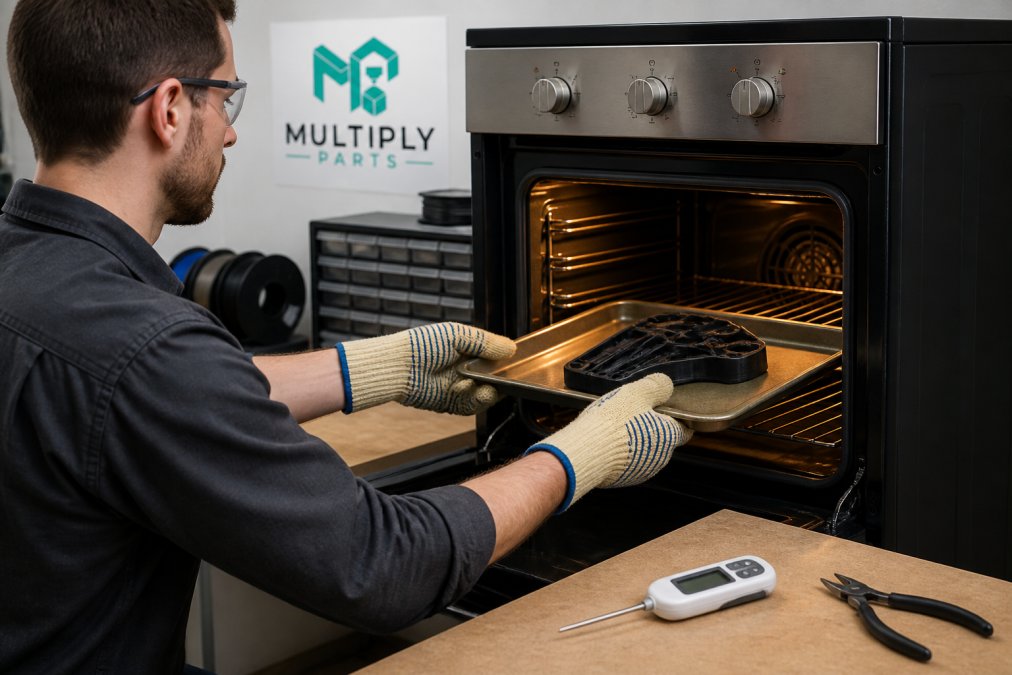
The process: preheat the oven to just below the material’s glass transition temperature, place the part on a parchment-lined baking sheet, heat 1-2 hours so the core warms through, cool slowly inside the oven with the door closed, then check for warping.
For PLA, set the oven near 60-70°C; for PETG, 70-80°C. Always check the filament maker’s guide first.
A common mistake is cooling too fast. Fast cooling traps stress and causes warping. Let the part cool with the oven.
Annealing adds heat resistance but shrinks the part slightly. Test a sample before annealing a full batch. For production runs, MultiplyParts can print and finish heat-resistant parts to spec.
Never anneal a part you cannot replace. Fast cooling or too high a temperature can warp or melt the part beyond use.
Frequently Asked Questions
How hot is too hot for standard 3D printing materials?
It depends on the material’s glass transition temperature. PLA softens around 60°C, PETG around 80°C, and ABS around 105°C. If your part will be exposed to temperatures near or above these thresholds, it can deform or fail. For high-heat environments, choose materials like polycarbonate or PEEK, which have much higher transition temperatures.
Is 240°C too hot for PLA?
Yes, 240°C is generally too hot for PLA. Most PLA prints best between 190°C and 220°C. Printing at 240°C can cause the filament to degrade, leading to clogs, poor layer adhesion, and brittle parts. Always check the filament manufacturer’s recommended temperature range and stay within it for best results.
How can I improve the heat resistance of my 3D printed designs?
You can improve heat resistance by choosing a high-temperature filament like ABS, ASA, or polycarbonate, and by annealing the part after printing. Annealing involves heating the print to just below its glass transition temperature, then cooling it slowly. This relaxes internal stresses and increases crystallinity, making the part more resistant to heat deformation.
Heat makes weak parts fail. The fix is simple: pick a filament with a higher glass transition temperature, print it so the layers bond, and anneal when you need more. MultiplyParts makes that easy with instant pricing, no minimum order quantities, and fast turnaround on heat-resistant materials. Get an instant quote and turn your design into a part that holds up.
